
A Practical Guide to Creating More Accessible Audiobooks
For blind and visually impaired readers, an audiobook can make stories, knowledge and creative work easier to access. It can offer independence, comfort and choice, whether someone is listening at home, travelling or using assistive technology.
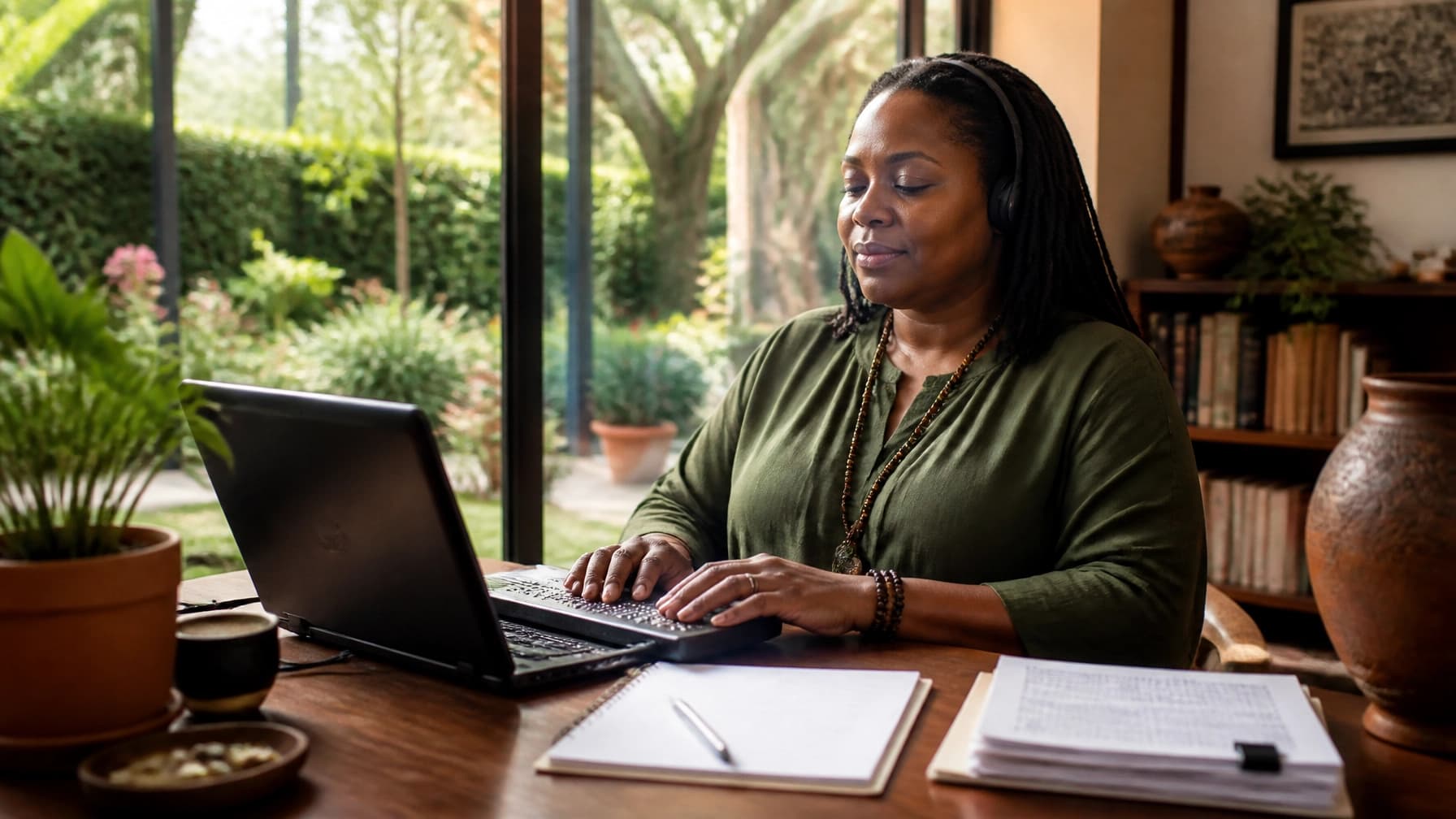
A page can be beautifully designed and still be out of reach. Audio opens another door, but only when it is created with care.
But accessibility is not simply a matter of pressing “convert”. A useful audiobook needs clear structure, suitable narration, reliable navigation and thoughtful descriptions where visual information matters.
The good news is that this does not have to mean a studio-heavy production process. With an intuitive audiobook generator such as Lama Mani, you can turn an eBook to audiobook quickly, select a professional Digital Narrator and create a polished audio edition without managing complex recording equipment.
Use these five practical principles as your accessibility check.
1. Understand different access needs
There is no single “visually impaired listener”. People have different levels of sight, hearing, dexterity, technical confidence and preferred ways of accessing content.
Some listeners may use a smartphone with VoiceOver or TalkBack. Others may listen through a dedicated player, a computer with a screen reader or a refreshable braille display. Some may prefer audio alone, while others may use an accessible eBook alongside the audiobook.
Start by asking a simple question:
What does your listener need to understand, navigate and enjoy this work independently?
For a novel, this may mean clear character voices, consistent pronunciation and well-organised chapters. For a non-fiction book, it may also mean spoken headings, descriptions of diagrams and an audible explanation of tables or charts.
Consider the following before production:
Which parts of the book carry meaning through layout, colour or imagery?
Does the listener need visual information described?
Are chapters, sections, notes and appendices easy to identify?
Will the accompanying eBook work with screen readers?
Would a transcript, braille edition or accessible HTML version provide useful additional access?
An audiobook should be part of an inclusive publishing strategy, not a replacement for every other format. Accessible eBooks, screen-reader compatibility, braille, transcripts and descriptive information all have an important role to play.
For useful background, consult the Accessible Books Consortium’s best-practice guidance for publishers and the BIC Digital Audiobook Accessibility Checklist.

2. Prepare clean and navigable source text
Good audiobook accessibility begins before narration. It starts with the manuscript.
A clean, final source file gives your audiobook generator a reliable structure to work from. Remove drafting notes, repeated headings, stray formatting and any text that should not be read aloud. Then review the manuscript as an audio script.
Pay particular attention to:
Chapter and section titles
Lists and numbered steps
Footnotes and endnotes
Tables, charts and diagrams
Captions and image text
Page references
Contents pages
Appendices and glossaries
Visual formatting does not always translate naturally into sound. A bold heading is visible on the page, but it needs to be spoken or clearly separated in audio. A table may need a short explanation of its purpose and a logical reading order. A diagram may require an audio description rather than a simple reference such as “see the image below”.
Decide how to handle visual material. You can integrate a concise description into the main narration, or provide a clearly labelled separate track when a longer description would interrupt the flow.
For example:
> “Figure 2 shows a three-stage writing process. The first stage, planning, leads to drafting, followed by revision. Revision occupies the largest section of the diagram.”
The right level of detail depends on the purpose of the visual. Describe what the listener needs to understand, not every decorative feature.
It is also helpful to organise the audiobook into distinct sections rather than one very long audio file. A spoken contents track, followed by clearly named chapters, gives listeners a mental map of the book and makes returning to a specific section far easier.
Lama Mani’s ebook-to-audiobook conversion guide explains how a structured source document can support a simpler production workflow.
3. Choose clear and suitable Digital Narrator voices
Narration is more than a pleasant sound. It is the bridge between your words and the listener’s understanding.
When choosing a Digital Narrator, prioritise clarity, consistency and suitability for the material. A highly dramatic performance may work beautifully for fiction, but a calmer, more measured voice could be more effective for practical advice or educational content.
Listen for:
Clear pronunciation
Natural pacing
Comfortable volume
Distinct phrasing
Suitable emotional range
Consistent delivery across chapters
Accurate handling of names, terminology and abbreviations
If your book includes several characters, select voices that are easy to distinguish without becoming distracting. You may wish to assign different voices to specific characters while keeping the overall listening experience coherent.
Punctuation and sentence length also influence AI narration. Shorter paragraphs, clear dialogue formatting and correctly written names can help the voiceover AI deliver a more natural result.
Always listen to representative sections before processing the complete book. Test a chapter with dialogue, a chapter with technical language and any section containing lists or unusual formatting.
The aim is not to make the narration sound theatrical at all costs. The aim is to make it effortless to follow.
With Lama Mani, you can explore a range of Digital Narrator options through a simple interface, from standard voices to more lifelike professional-quality choices. Its multi-character audiobook guide offers further help with matching voices to your manuscript.
4. Make the listening experience easy to navigate
An accessible audiobook should not leave listeners wondering where they are.
Navigation matters because people may want to pause, revisit a section, skip ahead or return to a particular point without assistance. This is especially important for non-fiction, reference books and educational content.
Make navigation easier by:
Giving each chapter its own audio file
Speaking the chapter number and title
Including a separate contents track
Preserving the order of the original book
Separating front matter and back matter where practical
Using meaningful file names and metadata
Checking that playback works with screen-reader controls
Providing adjustable playback speed where the listening platform allows it
For longer sections, retain meaningful headings in the narration. Phrases such as “Part Two: Building the Habit” or “Section: Preparing Your First Draft” help listeners create a mental structure as they go.
Where possible, test chapter skipping, pause and resume functions, bookmarks, playback speed and track selection using the devices and apps your audience may use. The audio files may be excellent, but the surrounding player or catalogue page can still create barriers.
If you are distributing through a third-party platform, review its latest accessibility and file requirements. Platform features change, and an accessible production approach should be checked against current guidance before release.

5. Review quality with accessibility in mind
The final quality check should ask more than “Does this sound professional?”
Ask whether someone can listen comfortably, understand the structure and access the important information without needing to see the original page.
Review the finished audiobook for:
Mispronounced names and specialist terms
Abrupt changes in volume or pacing
Background noise, clicks or distracting silences
Unclear transitions between sections
Missing headings, captions or end matter
Visual information that has not been described
Confusing character voices
Poorly labelled files
Missing or inaccurate metadata
Player controls that are difficult to use with assistive technology
Listen through headphones and a standard speaker. Check both a mobile device and a computer if possible. Review a complete chapter rather than relying only on short samples; accessibility problems often appear after repeated listening.
Most importantly, seek feedback from people with relevant lived experience. Invite blind and visually impaired readers or accessibility specialists to review the audiobook, its descriptions and its listening journey. Their insight can reveal barriers that are easy to miss from your own perspective.
You should also consult current guidance, including Web Content Accessibility Guidelines (WCAG), relevant publishing standards and advice from organisations representing blind and partially sighted people. Accessibility is an ongoing practice, not a one-off tick-box exercise.
Make audio access simpler
Creating an accessible audiobook may sound complex when you list every consideration. In practice, a clear workflow makes the process manageable.
Prepare your manuscript. Identify visual information. Choose a suitable Digital Narrator. Structure the files. Listen, test and improve.
Lama Mani helps simplify the production side with an AI-powered audiobook generator, rapid processing and word-based billing. You can convert a finished manuscript or eBook to audiobook in minutes, choose the voice quality that fits your project and avoid the cost and complexity of a traditional studio.
That simplicity gives you more space to focus on what matters: helping your work reach more people in a form that feels natural, dignified and genuinely useful.

Beyond the page
An audiobook cannot meet every access need: and it should not be expected to. But when it is thoughtfully created, it can remove a significant barrier between your work and the people who want to experience it.
Your next step can be simple: review your source text, identify the access decisions that matter most and create a short sample for feedback.
With the right approach, your words do more than leave the page. They travel, resonate and welcome more listeners into the world you created.